
Developer vs. Manufacturer Series: which system fits your work?
One platform, two configurations: what they share, where they differ, and how to choose.
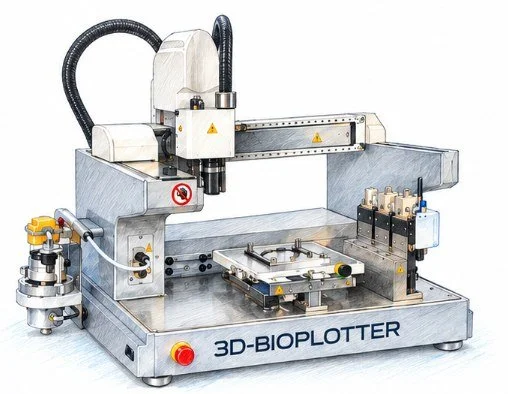
The 3D-Bioplotter comes in two configurations built on the same hardware and software. The Developer Series is for research: working out materials, geometry and print parameters. The Manufacturer Series is for the next stage, when a team needs to repeat a print, verify it and keep a record of every build.
Short answer: if you are still finding out what works, start with the Developer Series. If you already know what works and need to make it the same way every time, choose the Manufacturer Series. Because the two share software, print files developed on one run on the other.
What the two series share
Both are the same machine at the core, so a lot does not change between them:
- Build envelope: 200 × 220 × 140 mm
- Footprint and weight: 976 × 623 × 773 mm, 90–130 kg
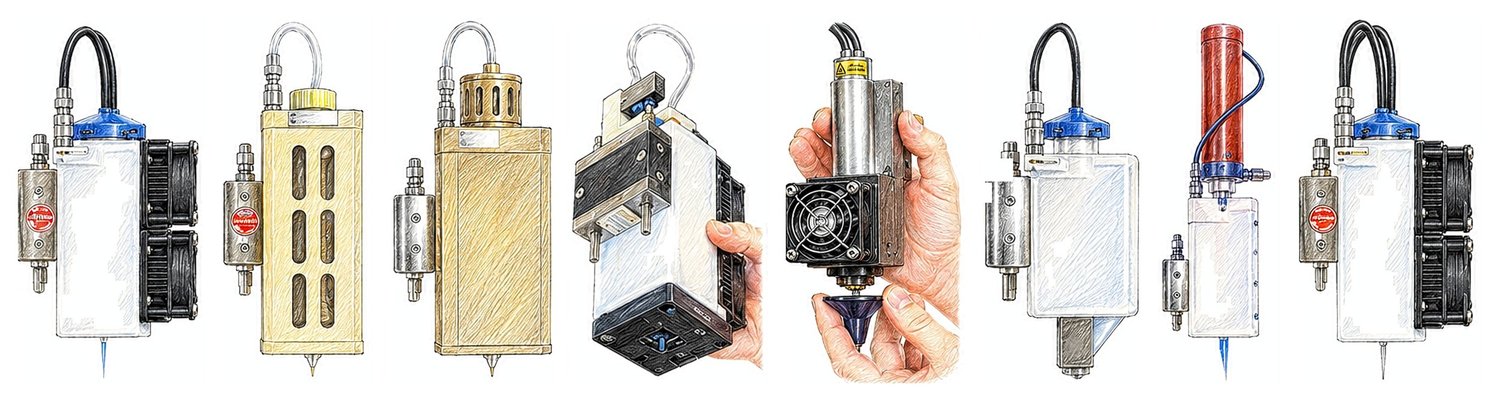
- Printhead family: the same eight printheads, from Low-Temperature (2–70 °C) to Ultra-High-Temperature (30–500 °C), plus Print and Cure, Photo Curing, Inkjet, 2-Component and Co-Axial
- Automation: substrate height detection, needle tip cleaning, background recalibration, and temperature curves with up to five set points
- Software: the same software on both, with STL and 3MF input and a log file after every print
- Cell work: sterile and particle filters on the air supply as standard, and a frame designed to sit in a biosafety cabinet
- Utilities: 100–240 VAC, 6–10 bar compressed air, Luer Lock tips from 0.1 to 1.2 mm
Where they differ
The differences come down to three things: how many materials you can load at once, how precisely the system calibrates, and how much of each build it records.
| Developer Series | Manufacturer Series | |
|---|---|---|
| Printhead stations | 3 (2 printheads standard) | 5 (stations 4–5 Manufacturer-only) |
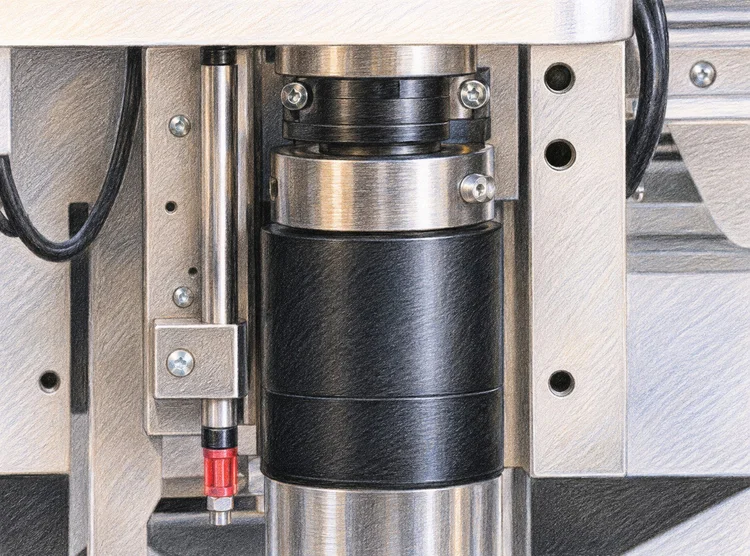
| Calibration | Light sensor, 30 µm XY and Z | HD camera, 9 µm XY, 1 µm Z |
| Temperature-controlled build plate | Optional upgrade (−10 to 80 °C) | Standard |
| Build records | Log file after every print | Log file plus HD photo log of every build |
| User management | Not listed | Multi-user, tracks who ran each build |
| Best for | Developing materials, geometry and parameters | Repeating, verifying and documenting proven prints |
Specs from the Developer Series and Manufacturer Series pages.
Who the Developer Series is for
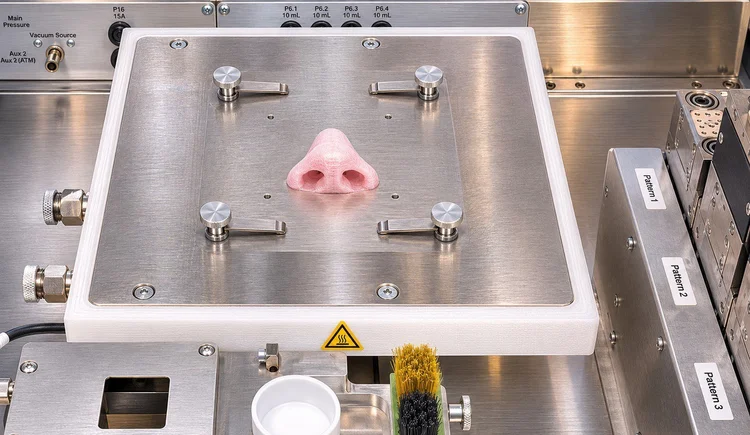
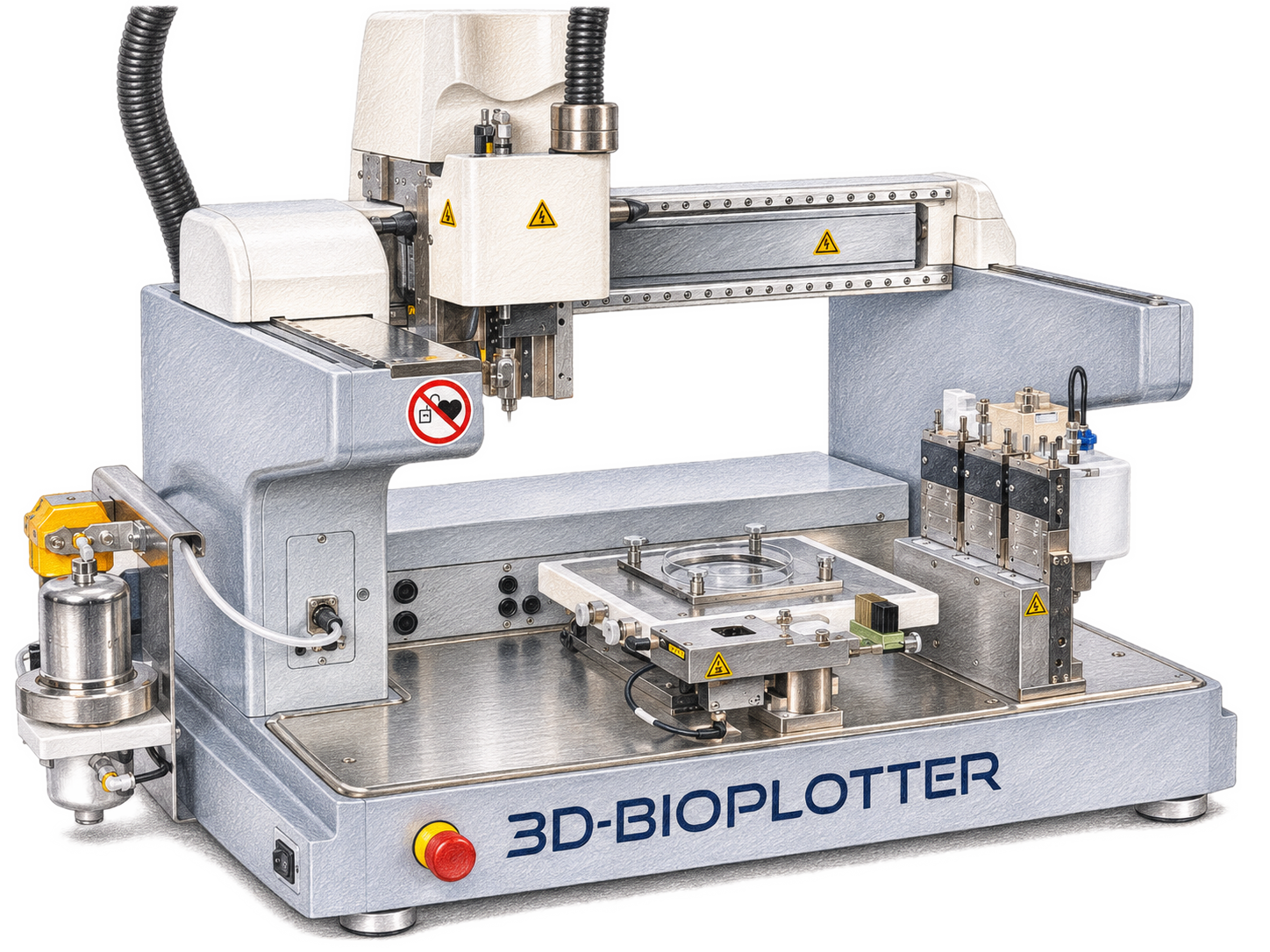
The Developer Series fits labs and R&D teams who are still answering open questions. Which bioink holds its shape? What pore geometry works for this scaffold? What temperature and pressure give a clean strand?
- Academic and institute labs running tissue-engineering, biomaterials or drug-release studies
- Early-stage companies proving a material or scaffold design before scaling
- Teams on a tighter budget who want room to grow: printheads, a temperature-controlled build plate and the PrintRoll rotating drum for cylindrical scaffolds can be added later
Three stations cover most single- and dual-material work. The 30 µm light-sensor calibration is enough for most research prints.
Who the Manufacturer Series is for
The Manufacturer Series fits teams whose question has changed from "does this work?" to "can we make it the same way every time, and prove it?"
- Translational and core facilities producing scaffolds or constructs for other groups or for preclinical studies
- Companies moving toward a product, where every build needs a record of what ran, when and by whom
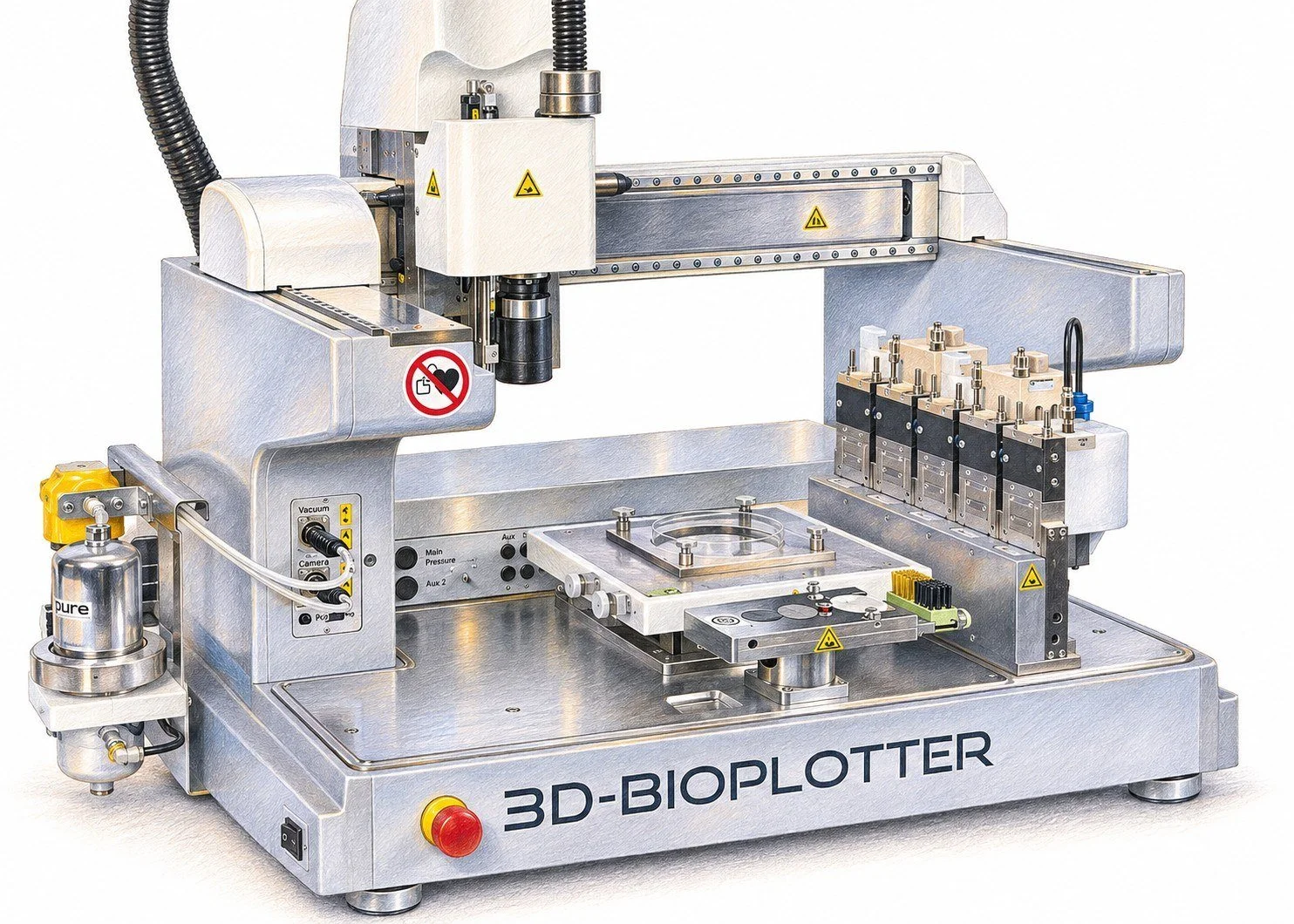
- Multi-material builds: up to five printheads loaded at once, so hydrogels, polymers, pastes and cell-compatible materials can go into one run
The HD camera calibration (9 µm XY, 1 µm Z), standard temperature-controlled build plate, photo logs and multi-user tracking are all aimed at one thing: being able to show that build 50 matches build 1.
Moving from Developer to Manufacturer
You don't have to choose one system forever. Because both series run the same software and the same printheads, the path from research to production is designed to be a file transfer, not a re-development:
- Develop on the Developer Series: settle the material, geometry and parameters.
- Transfer the proven print files to the Manufacturer Series.
- Manufacture: calibrate, print, log and repeat.
One option is to keep a Developer Series running for new work while the Manufacturer Series handles builds that are already locked in.
A note on regulatory status
Neither configuration makes what you print a cleared or approved product. Regulatory clearance belongs to a finished product and the company that submits it, not to the equipment used to make it. The Manufacturer Series gives you build logs, photo records and user tracking that support your own quality documentation. Your quality system and regulatory path still have to do the rest.
For context, the 3D-Bioplotter platform was used by a customer to make the first FDA 510(k)-cleared 3D-printed regenerative bone graft. That clearance is the customer's, not Linton's.
How to decide
Choose the Developer Series if most of these are true:
- You are still developing the material, geometry or parameters
- Two or three materials per build is enough
- 30 µm calibration meets your tolerances
- You want to start smaller and add upgrades later
Choose the Manufacturer Series if most of these are true:
- Your print is already working and needs to be repeated
- You need four or five materials in one run
- You need 9 µm XY / 1 µm Z calibration
- You need photo records and user tracking for every build
Not sure which one fits?
Tell us what you want to print and we'll help you choose.
For the benefit of patient care